US America only
The Peachtree Export function was developed especially for the US American market because this export form is primarily used there. The following examples should provide only a rough impression of the use of this export form. With the Ingenious.V12 Peachtree interface, customer data and project data from Ingenious.V12 can be transfered to Peachtree. The configuration of the interface parameters occurs in the program settings. The menu items for configuration and export are visible only if one owns the module rights, as well as the user right for the export.
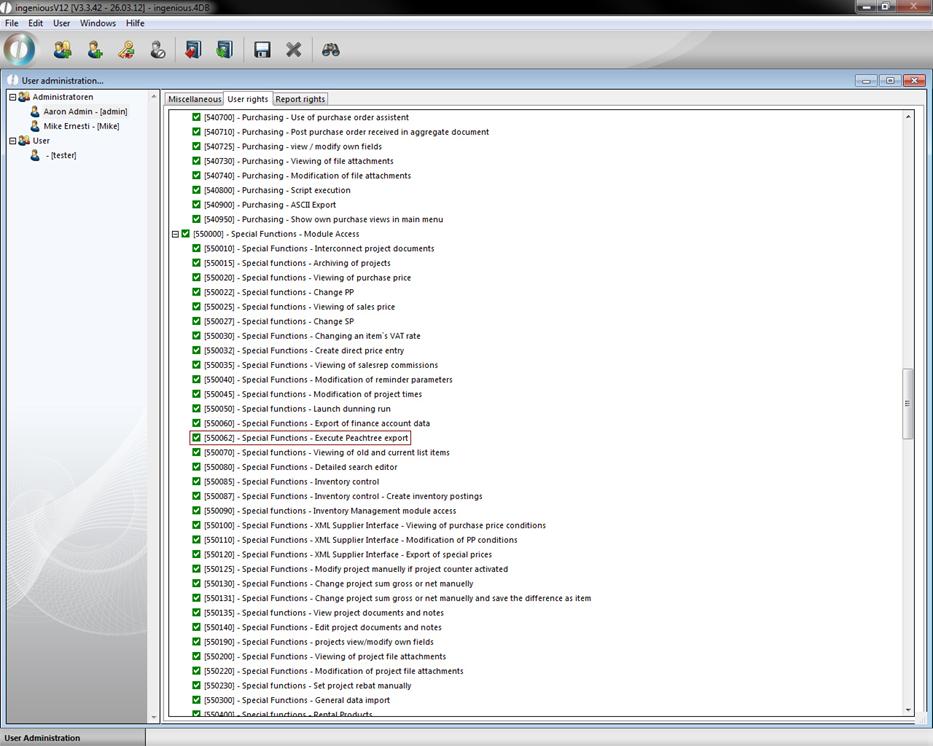
The Peachtree Export interface consists of a contact export, a calculation export and an export of GL Sales / AR Accounts.
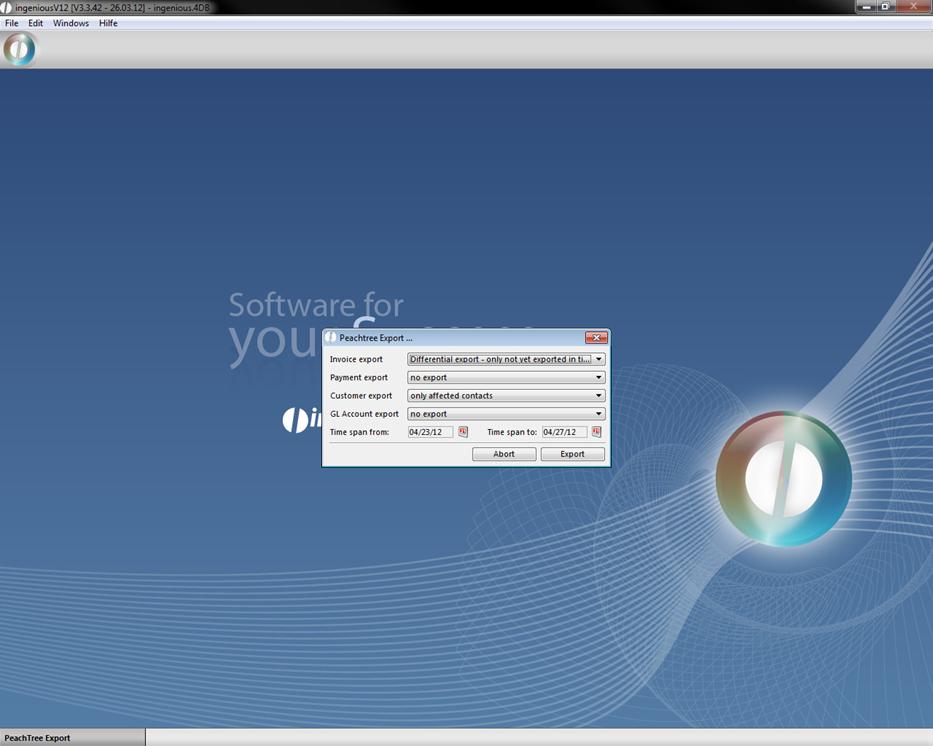
Starting example of the import in Ingenious.V12
Contact export
The contact export can often be exported arbitrarily. Besides, the already created contacts in Peachtree are mainly signed over. Changes to the contacts made in Peachtree therefore get lost. Therefore, the adaptation of contact data should occur exclusively in Ingenious.V12.
Invoicing export
The import of an invoice in Peachtree is only possible once. Therefore, the invoicing export should also occur only once per invoice. For this purpose, the difference export is introduced for invoices. This export type ensures that an already exported invoice is ignored during all followings exports.
GL account export
With the GL Sales / AR Account Export, one can automatically export in articles, projects and contacts and accounts receivable and FIBU export accounts, and one can automatically create them as chart accounts (Sales and accounts receivables) in Peachtree. This export procedure is necessary only with an extensive application of Peachtree. With a restricted application, it is sufficient to manually create accounts without executing the export.
Settings and import in Peachtree
The export of the projects from Ingenious.V12 is created so that as little adaptations as possible have to be made by Peachtree. In order for the imports to function correctly, representatives, the sales tax and the suitable accounts must be created in Peachtree. With the representatives, the representative ID has to coincide with the representative's name in Ingenious.V12. The sales tax ID and Authority ID can be anything. They must be entered in front of the export in the program settings in the Tax Code ID field in the contacts and invoices areas. The GL Sales Account IDs can generally be any, but standard values should be used:
|
G/L Sales Account for |
ID |
Description |
Account Type |
|
Invoices |
11000 |
Accounts Receivable |
Accounts Receivable |
|
Sales Tax |
23000 / 23100 |
Sales Tax Payable |
Other Current Liabilities |
|
Customer |
40000 |
Sales |
Income |
|
Article |
40000 |
Sales |
Income |
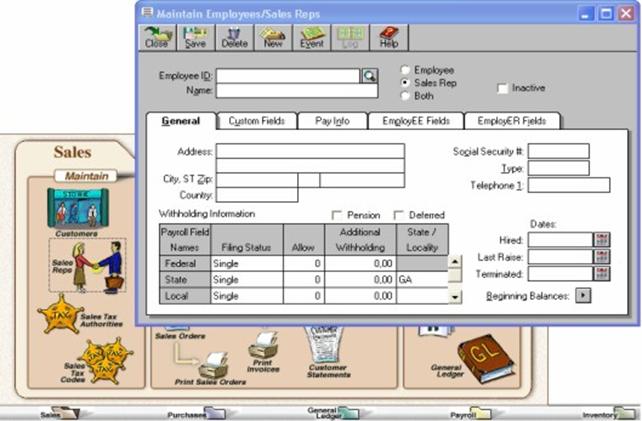
Creation of the representative in Peachtree
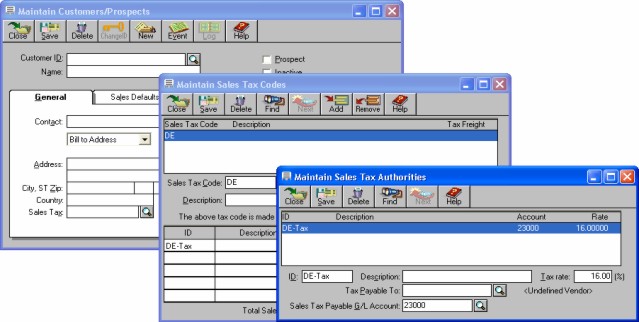
Creation of the Sales Tax in Peachtree
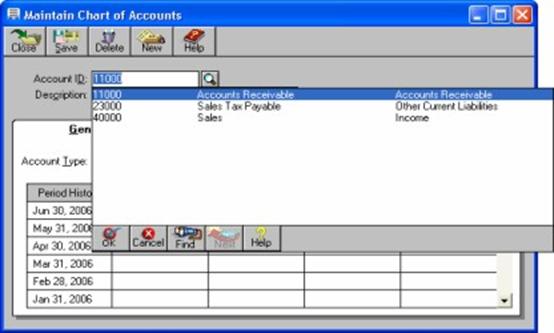
Creation of the accounts in Peachtree
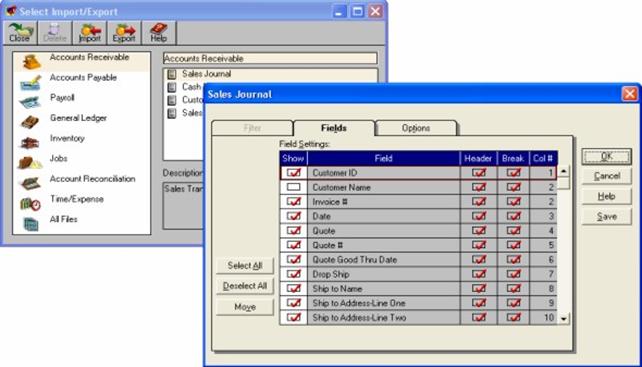
Starting imports in Peachtree (Version 7)